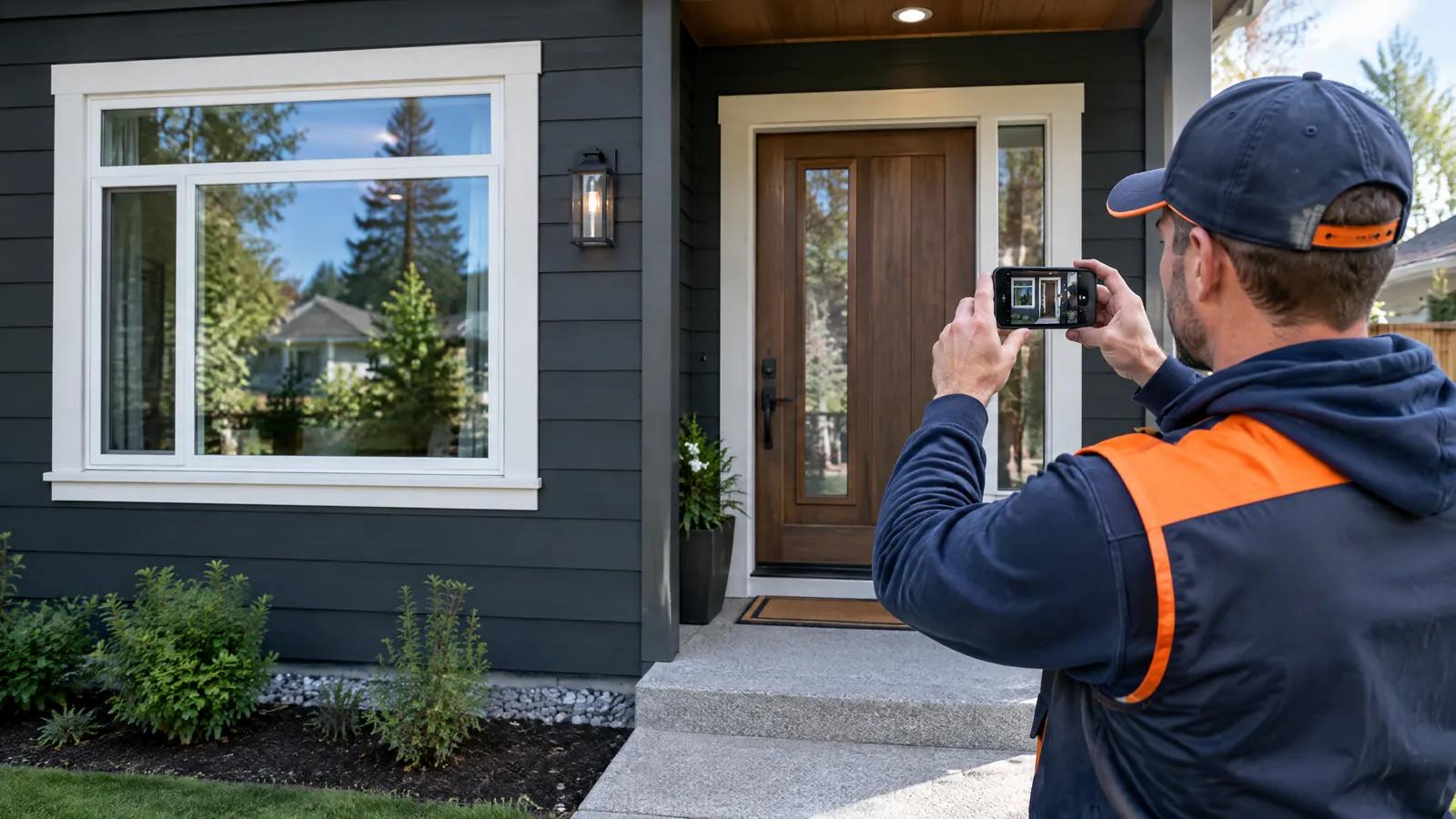
Project photos help homeowners choose a window and door contractor when they are original, specific to the job, and paired with enough context to judge what happened. A polished after photo by itself may show an attractive house. It does not show the condition the crew found, the opening type, the product installed, the scope of the work, or whether the contractor can document the details that matter.
The goal is not to turn every completed job into a long case study. It is to build a repeatable record that gives a homeowner a fair way to compare contractors before an estimate. This article covers the photo system, project facts, permissions, product documentation, and publishing practices that make that possible. It does not substitute photos for an on-site assessment, manufacturer documentation, permit requirements, or a written scope of work.
A useful photo portfolio answers practical questions
Homeowners looking at replacement windows or doors are usually trying to reduce uncertainty. They want to know whether a contractor has worked on homes like theirs, whether the finished result fits the architecture, and whether the company appears organized enough to handle the project carefully.
Your portfolio should answer those questions without asking the homeowner to take your word for it. That means a visitor should be able to find projects by home style, product category, opening condition, and location area when you have permission to name it. A colonial with divided-light replacement windows, a sliding patio door in a stucco wall, and a full-frame replacement around damaged trim are different decisions. Do not group them into one generic gallery labeled "recent work."
The photo system also needs a place to live. The project pages, galleries, estimate materials, and sales process should use the same verified project record. That is the foundation of window and door website design built around project proof: the website is organized around work your crew can identify and explain, not stock imagery and broad claims.
A homeowner does not need every job you have ever done. They need a small, current set covering the work you want more of. Keep the examples honest. A straightforward insert replacement is useful proof if it is presented as an insert replacement, not dressed up to imply structural repair or a full-frame installation.
Give each project a clear decision purpose
Before publishing, assign each project one primary use, such as comparing exterior color options, explaining a patio-door configuration, or showing a home style like the visitor's. That purpose determines which images and notes belong on the page. Four projects with clear captions and different conditions offer more useful proof than twenty nearly identical exterior shots.
Open a project record before the first photo
The best documentation starts when the job is sold and is finished before the crew leaves. If the photographer has to reconstruct the details weeks later, captions become vague, product names get guessed, and useful installation images are gone.
Create one project record in the same place your team already manages jobs. It can be a CRM field, cloud folder with a standard form, or job-management platform. The software matters less than required fields. Give the project an internal ID and use it in the photo folder name, permission form, final page draft, and sales-library entry.
At a minimum, collect these items:
- Project identity: internal job ID, approved city or service area, completion month and year, and home type or exterior material.
- Scope: replacement type, number and category of units, door configuration, and included trim or glass work.
- Product identity: manufacturer, series, frame material, operating style, color or finish, grille pattern, hardware finish, glass option, and configuration details needed to identify the product correctly.
- Existing condition: the observable condition that affected the scope, such as deteriorated exterior trim, a damaged sill, an old patio-door layout, or a window style being replaced. Describe what the crew observed. Do not diagnose hidden conditions from a photo.
- Permission status: whether the homeowner approved photography, which images may be used, whether the location may be identified, and whether exterior address markers, family images, vehicles, or distinctive personal items must be excluded.
- Asset notes: who took the photo, the date, the file location, and any editing or crop applied for public use.
Treat the record as a production checklist, not paperwork after the fact. The project manager verifies product information against the order, label, or manufacturer documentation. The person publishing the page uses only what the record supports. If a fact is missing, leave it out until it is verified.
On a job with several options, a photo of one sash or glass package should not become a caption for every unit. Label different configurations separately or use a caption accurate for the image.
Use a photo sequence that documents the work without staging it
A consistent photo sequence gives your crew a simple routine and gives the marketing team usable material. It is not a request to make the job look more dramatic than it was. The purpose is to record visible conditions and completed work in a way a homeowner can understand.
1. Capture the existing opening and the setting
Take wide exterior and interior views before work begins, when permission allows. Include enough of the wall, trim, threshold, or surrounding façade to show the context. Then take a closer image of the opening and any visible condition that is relevant to scope.
Use captions that state only what the picture and project record establish. "Existing wood double-hung opening before replacement" is useful. "Failing window caused major energy loss" is not supported by a picture alone. A visible gap, cracked glass, or worn trim can be described as visible. Claims about air leakage, water entry, structural condition, or utility savings need separate evidence and may not be appropriate for a portfolio page at all.
2. Photograph key work stages when they explain scope
Not every project needs a construction album. Capture a work-stage image when it explains the finished scope, such as the opening after removal, sill preparation, flashing or weather-resistive barrier interface, trim work, or a threshold transition.
Do not present a partially completed assembly as a universal installation method. Installation details depend on the product, opening, wall assembly, local requirements, and written scope. Use a specific caption, such as "Sill preparation documented during this project," and have the project manager review it.
Keep a clear boundary between job documentation and public marketing images. Your operations record may need more photos of conditions and work stages than the public page needs. Preserve both, but choose public images for clarity, homeowner permission, and relevance.
3. Capture the finished opening at several distances
A finished set should include an overall exterior view, an interior view where allowed, the operating configuration, and close details that matter. For windows, that may be trim alignment, grille layout, or a grouped opening. For doors, it may be the sill, screen, active panel, sidelites, hardware, or the transition to flooring and trim.
Use wide, medium, and close shots so viewers can inspect the product and finish without identifying a customer's address. Straighten vertical lines, adjust exposure, and crop clutter if the edits do not alter the work. Do not add or remove construction elements, change product color, fabricate a view, or use generative edits that change the installed result.
Before-and-after pairs work when they use the same viewpoint and reveal a defined change. If the angle, season, landscaping, lighting, or camera lens changes completely, label the images separately instead of implying a direct comparison.
4. Name files so the proof is retrievable
A phone full of unnamed images is not a marketing system. Use a filename tied to the record, such as WD-2026-014_exterior-front_after_01.jpg, and separate before, work-stage, after, product-docs, permission, and publish-approved folders. Store originals separately from web exports, with descriptive alt text and a caption tied to the record.
Build a project page around verifiable facts
A homeowner should be able to scan a project page and understand the images. Use short field-based sections rather than a promotional story.
Start with home type, approved general area, completion timing, and scope. Follow with product information that applies to the images, then a note on the visible challenge or design decision. Finish with a captioned image sequence.
A page might say that a crew replaced a specified window configuration in a brick home, documented exterior trim condition, and installed a named series with a stated frame material and finish. That is different from saying the project "transformed comfort and efficiency." The first is something a homeowner can discuss during an estimate. The second may not be supported.
Use a consistent field order across pages:
- Home and project context: architectural type, general area, and completion date or season.
- Scope of work: which openings and product categories were included, including whether the work was insert, full-frame, or another documented approach.
- Product configuration: manufacturer and series, style, frame material, finish, glass option if verified, grille or hardware details where relevant.
- Visible work shown: what the photos depict at each stage, including any exterior or interior trim work shown.
- What to ask on a similar home: two or three questions that help a homeowner compare scope, product configuration, and finish details.
That last field turns a gallery into a decision aid. For a patio-door project, questions may cover panel operation, screen configuration, threshold transition, and trim scope. For a grouped window opening, ask about unit configuration, sightlines, exterior finish, and interior casing. Do not write the answer for the homeowner. Give them a useful way to ask it.
Showroom and in-home sales materials should pull from the same project records. A homeowner who sees a door project online should be able to see the same configuration, notes, and original captions in a sales presentation. If your sales process moves between both settings, plan proof around the differences between a showroom visit and an in-home estimate, rather than treating the gallery as a separate marketing exercise.
Get permission and usage rights before publishing
A completed job is not automatically a public portfolio asset. Ask permission in a separate, clear step. A homeowner may approve a finished exterior photo while declining interior photos, house numbers, location details, family members, vehicles, artwork, or a testimonial request.
Use a short written release that identifies the contractor, project reference, intended uses, image types, and exclusions. State whether the company may use images on its website, social channels, paid advertising, printed materials, and sales presentations. Include a way to request removal or update a preference. Have local counsel review the form and process, especially for recognizable locations or customer statements.
Permission from a homeowner and rights in a photograph are separate questions. The U.S. Copyright Office says the person who takes a photo generally is its author and initial copyright owner, with a limited exception for work made for hire. 2 If a photographer, manufacturer, dealer, subcontractor, or employee supplies images, document who may publish them, where, and whether editing is allowed. Do not assume a shared folder grants marketing rights.
Build privacy review into the final approval step. Check every frame for house numbers, license plates, school information, mail, family photographs, security hardware details, screens displaying personal information, and reflections. Blur or crop only when doing so does not create a misleading representation of the work. When in doubt, choose another image.
Present product specifications accurately, including NFRC information
A product name is useful only when it identifies the product actually installed. Marketing copy often gets vague at this point: it names a brand, then attaches broad claims that may apply only to another series, glazing option, size, configuration, or climate zone. That creates a problem for both the homeowner and the contractor trying to explain the job later.
Publish the configuration you can verify. Where relevant, list manufacturer, series, unit type, frame material, glass option, color, grid pattern, hardware, and door-glass configuration. Keep the corresponding order, label, or manufacturer specification in the job record. If a product changed during ordering, update the page before publication.
The National Fenestration Rating Council's product-rating guidance explains that NFRC labels provide comparative energy-performance ratings for windows, doors, and skylights. The label can include U-Factor, solar heat gain coefficient or SHGC, visible transmittance, air leakage, and condensation resistance. 1 That is useful context for a homeowner evaluating a documented product configuration.
Use that context carefully. State a rating only when it is tied to the exact configuration and supported by the applicable label or manufacturer documentation. Identify the source and configuration. Do not pull a number from a general brochure, different unit size, or product-family page and attach it to a project photo.
Explain what the label measures in plain language, not as a sales promise. NFRC describes U-Factor as how well a product keeps heat from escaping and SHGC as how much solar heat it allows in. 1 A rating can help a homeowner compare products, but it does not by itself predict a specific home's comfort, indoor temperature, condensation experience, utility costs, or code compliance. Those outcomes depend on factors beyond the label, including the home, installation, orientation, climate, usage, and the exact product selected.
This is especially important when your portfolio connects to product education. Keep the project page focused on the verified configuration, and use a separate explanation when discussing how to market window and door energy details without overselling them. The line between a documented rating and a promised result needs to stay clear.
Publish proof where homeowners compare contractors
A photo system helps only if homeowners can find the relevant examples. Make project pages indexable where appropriate, give every image specific alt text, and link them from window-replacement, entry-door, patio-door, and local service pages. Do not create thin pages that repeat the same facts with only a city name changed.
Let visitors filter or scan the gallery by product category, home style, project type, and design details. Each card should lead to a fuller page with context. Use a few strong images on a service page, then send homeowners to the project record when they want the full story.
Use the same proof during the estimate. An estimator should be able to show a similar project, explain the images, and say where scope differs. If not, remove it from the sales library until the record is complete.
When evaluating outside help, ask how it will preserve this system. A useful agency questions for a project-proof website should include questions about source files, approval workflow, product-spec verification, photo rights, and the ability to export your project library. A website that looks good but leaves the contractor unable to trace, update, or reuse its proof creates extra work later.
Make documentation a normal job-close task
The system becomes reliable when each handoff has an owner. The salesperson requests permission during contracting. The project manager confirms the product record. The crew captures required views. The office reviews rights and privacy. The marketing owner selects and captions approved images.
Use a simple job-close checklist:
- Confirm the signed permission status and any exclusions.
- Verify the project record against the final order and completed scope.
- Confirm the photo folder contains usable before, work-stage if relevant, and finished views.
- Remove duplicates, retain originals according to company policy, and mark the public-use files.
- Review public images for privacy, accuracy, and misleading edits.
- Write captions from verified fields, then have a project manager approve them.
- Publish the page, add it to the sales library, and note where it is used.
Review the library every quarter. Retire photos that no longer represent current products, update pages when a line changes, and identify gaps in home types or project categories. Do not fill gaps with manufacturer images labeled as your work. Document the next matching jobs instead.
Good project proof is ordinary work done carefully. The contractor records what the crew installed, protects the homeowner's privacy, identifies the product accurately, and gives the next homeowner a better basis for comparison. That is enough to make a portfolio useful before the first estimate begins.